From tether to contact sheet,built around how labs work.
Mac film camera-scanning for labs and photographers. Capture, convert, color, contact sheets and delivery in one app.
 NegativePhoto
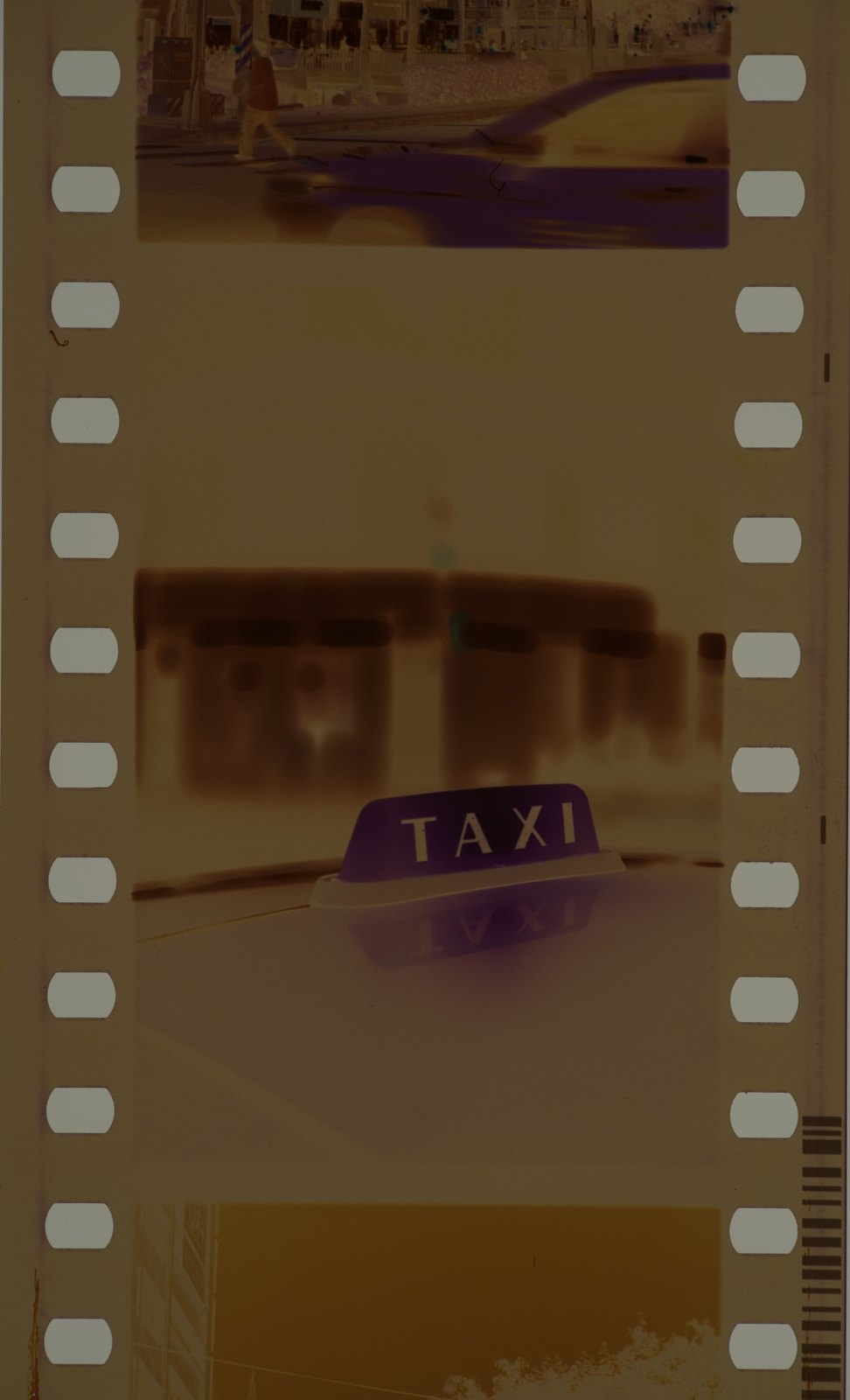
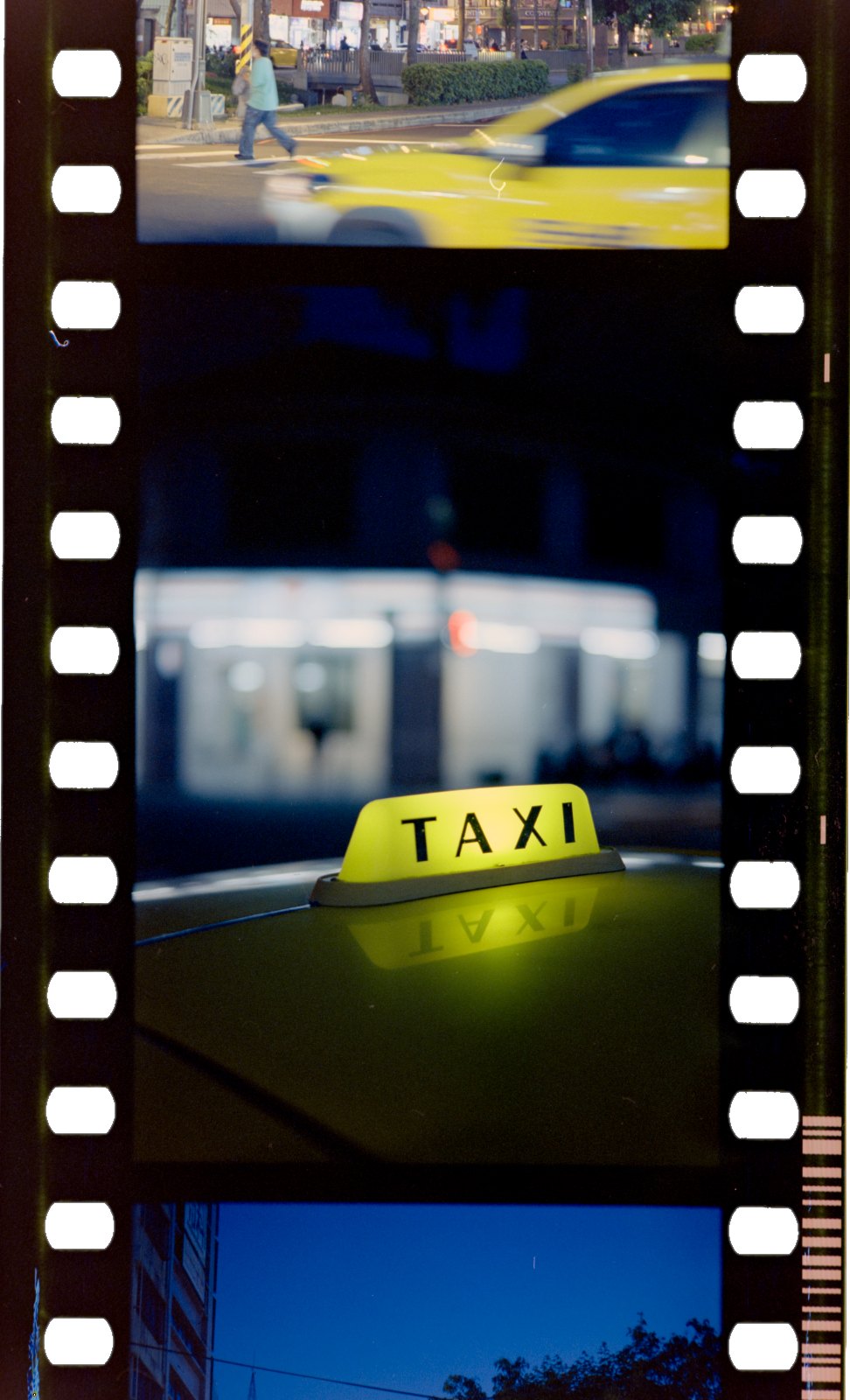
Drag left and right to turn the negative into a photoGFX100S II · RAF
One roll, start to finish, in two and a half minutes
One 500T roll, from import to delivery.
A whole roll converted in 5 minutes
Import 36 frames, click Auto-frame and Convert Roll, then pick, retouch and deliver.
Based on one 36-exposure roll of 135. Scanning time not included.
Five steps, one roll
Real screenshots from the app.
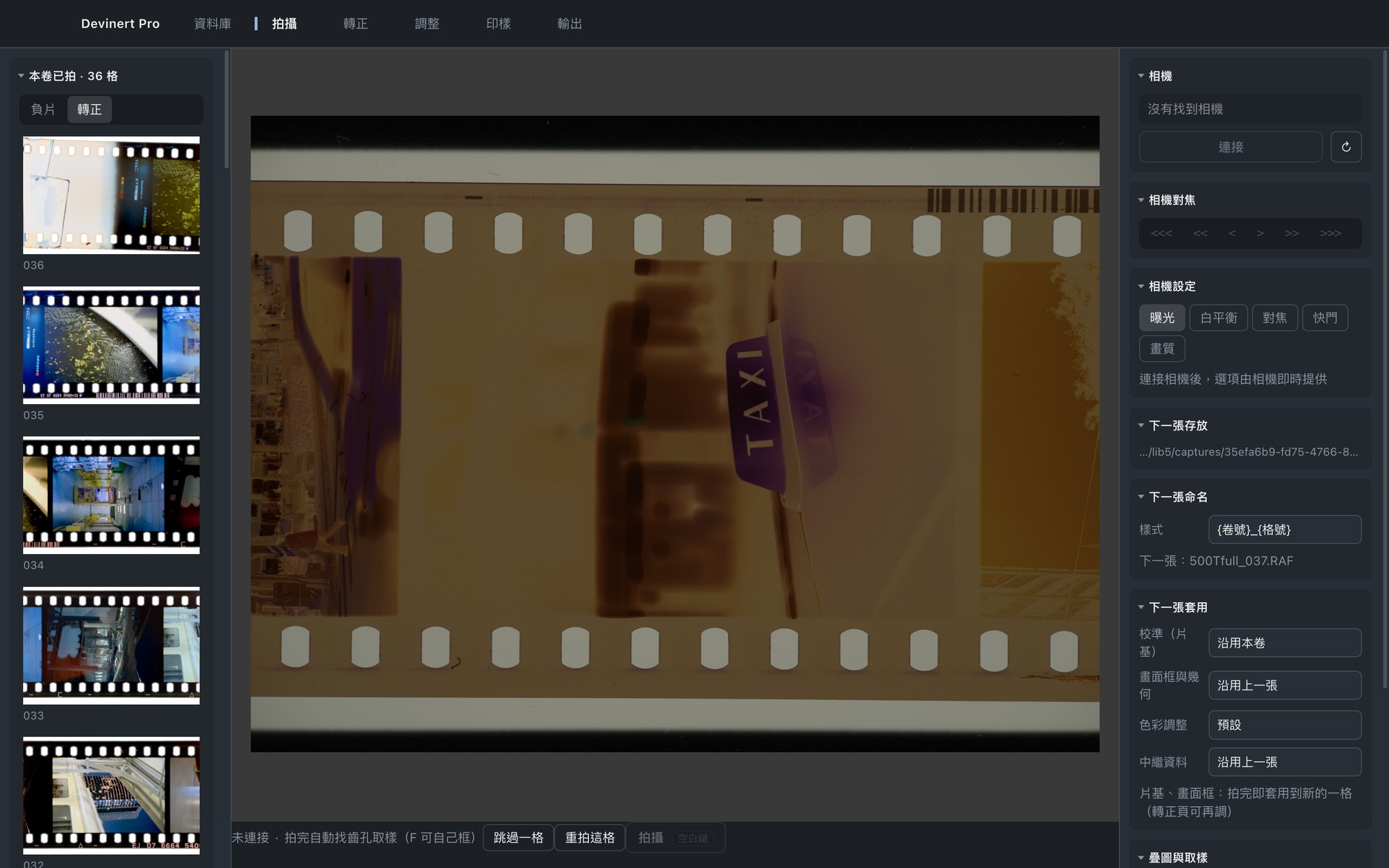
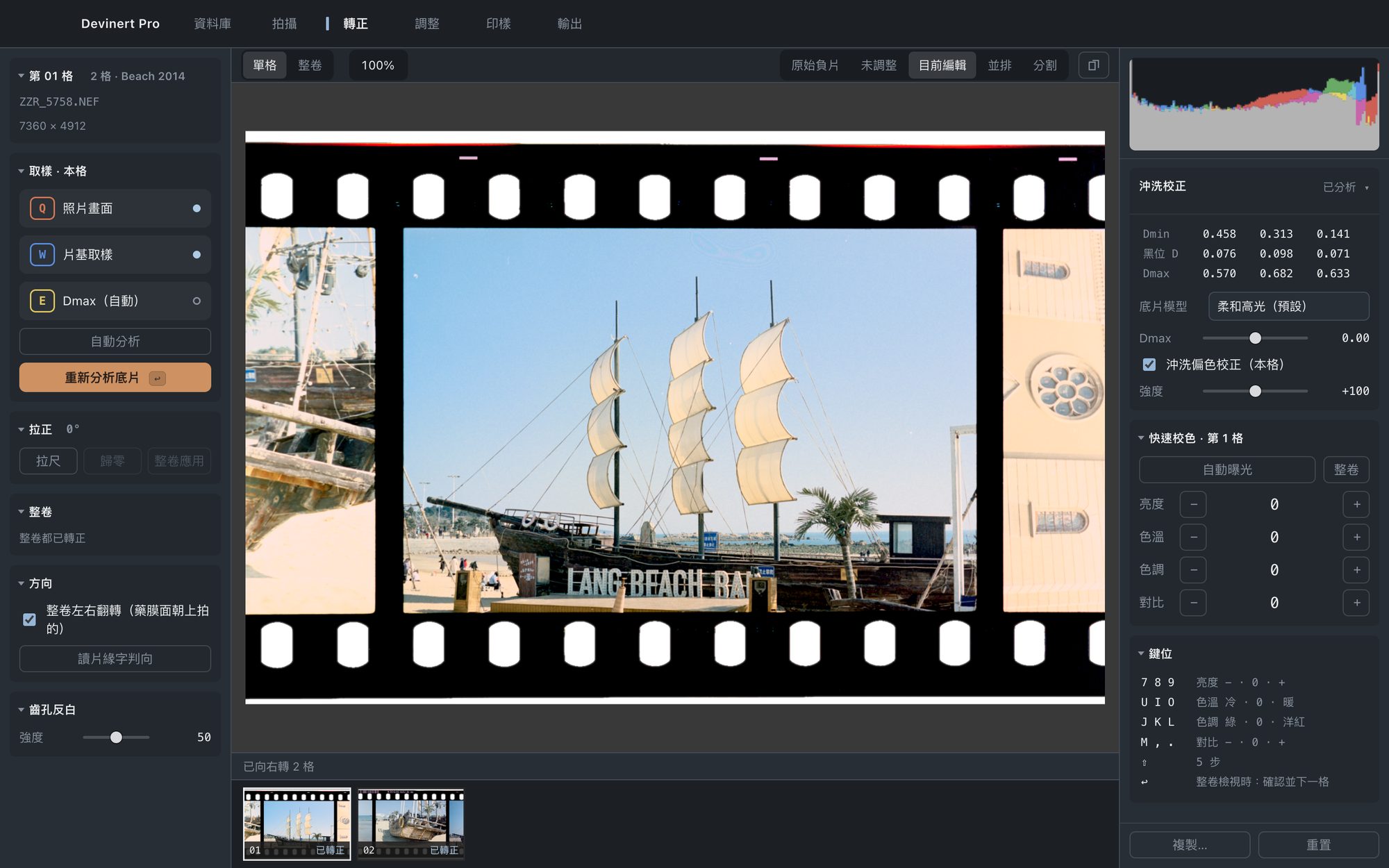
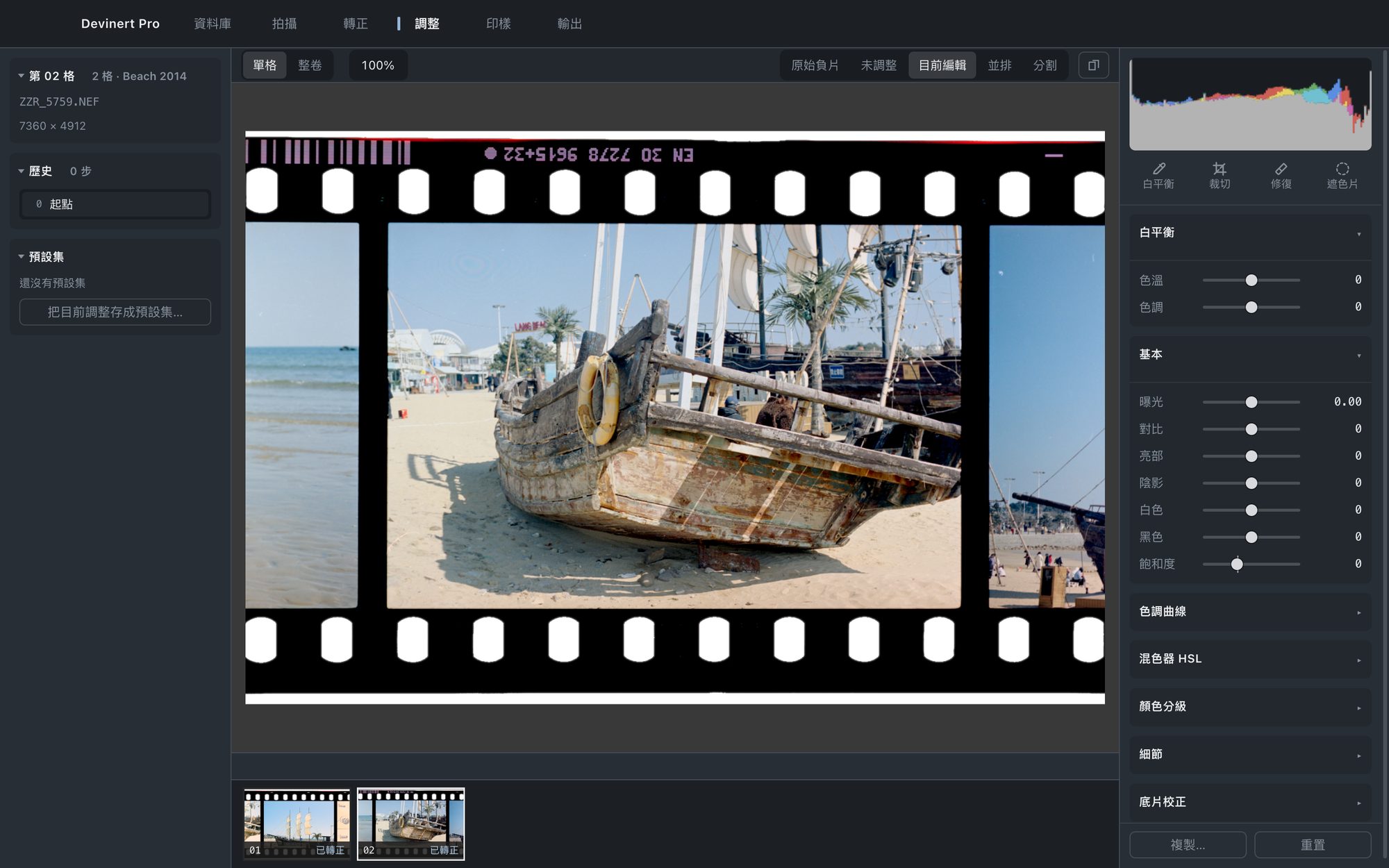
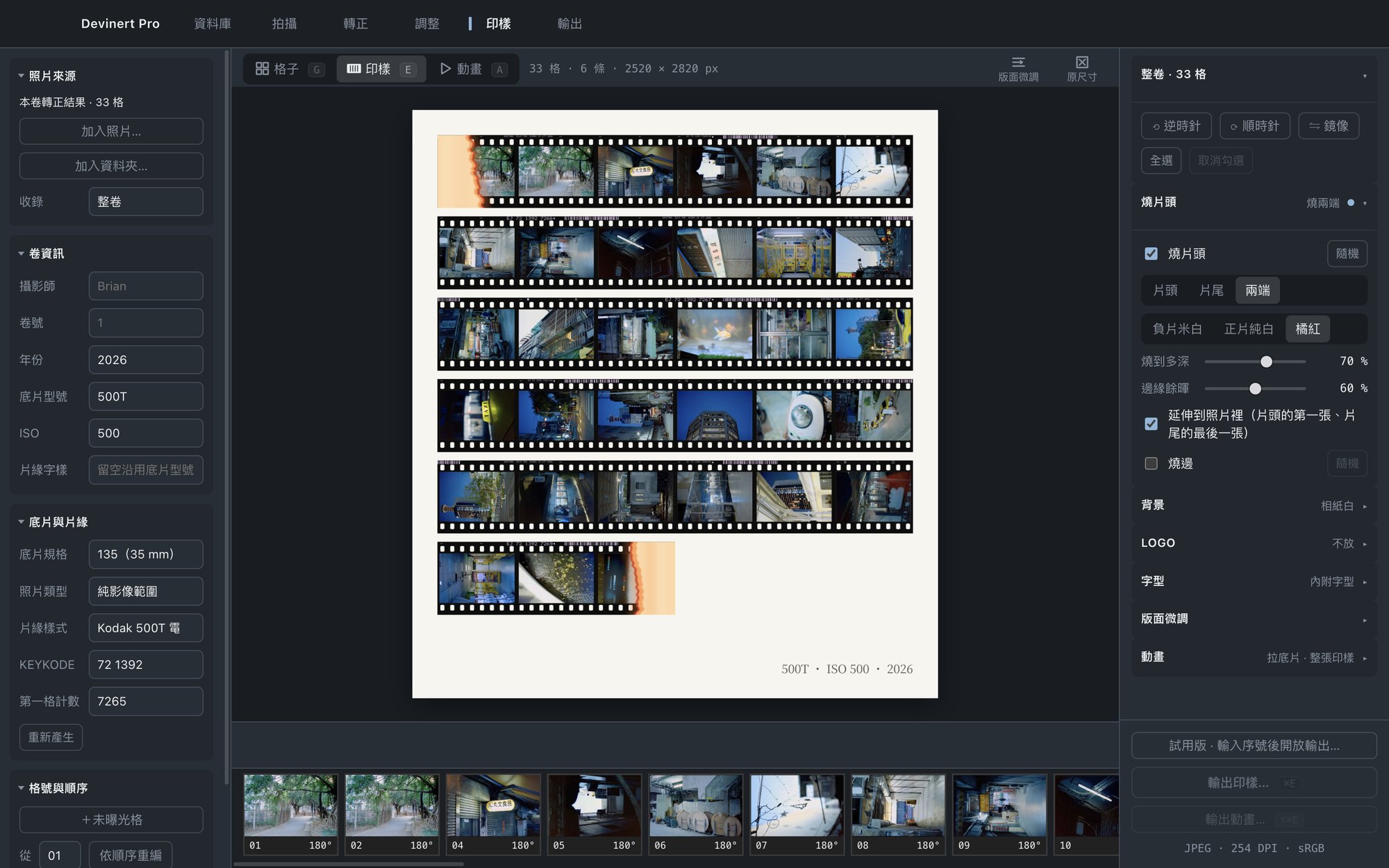
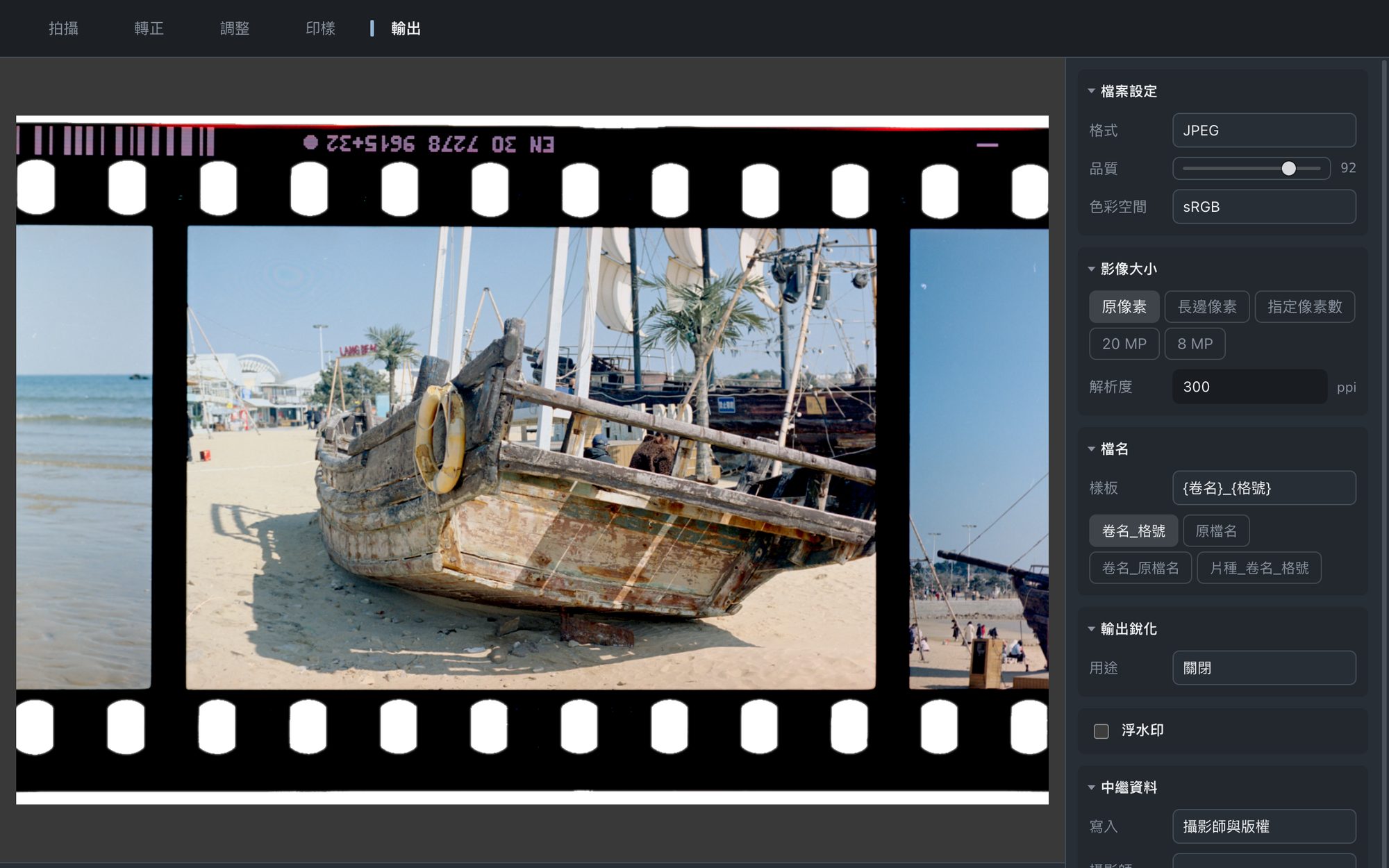
Plug in the camera and shoot
Line up in Live View; every shot lands in the roll.
All 36 frames at once
One click frames every shot, reads the base and converts the roll alike.
Every tool you need
White balance, curves, HSL, color grading, dust removal and masks.
The roll on one contact sheet
Edge print and frame numbers as on the film. Add your logo or export a scroll animation.
Set it once, deliver the roll
Set names, size, sharpening and watermark once for the roll.
One roll, one contact sheet
Laid out like the film. Everything circled is yours to change.
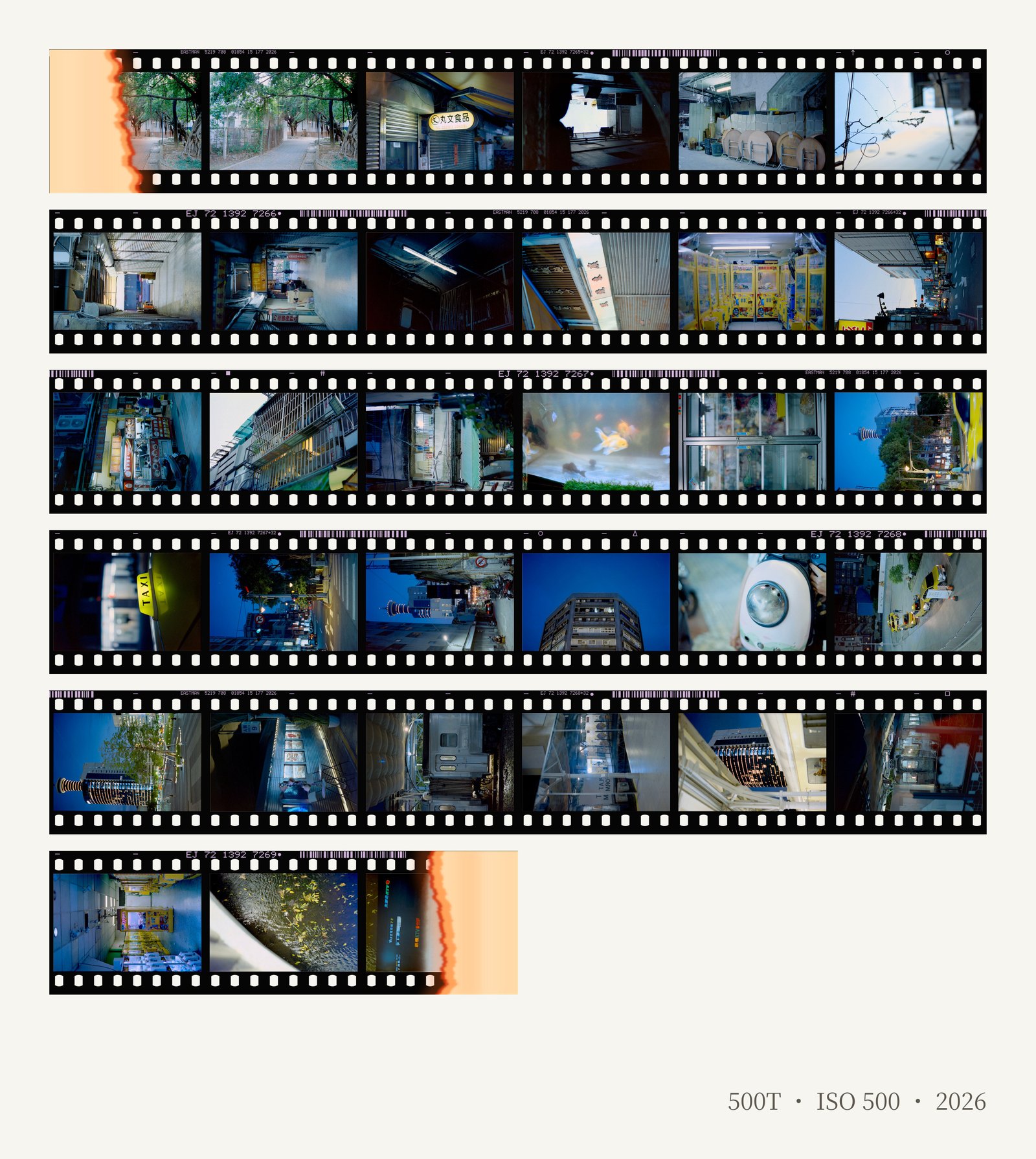
- Edge print matches the stock
- 13 papers, or bring your own
- Paper shows through the holes
- Burnt ends, optional
- Add your logo
- Stock, ISO and year filled in
Negative and photo
Drag the line to compare; double-click to center.
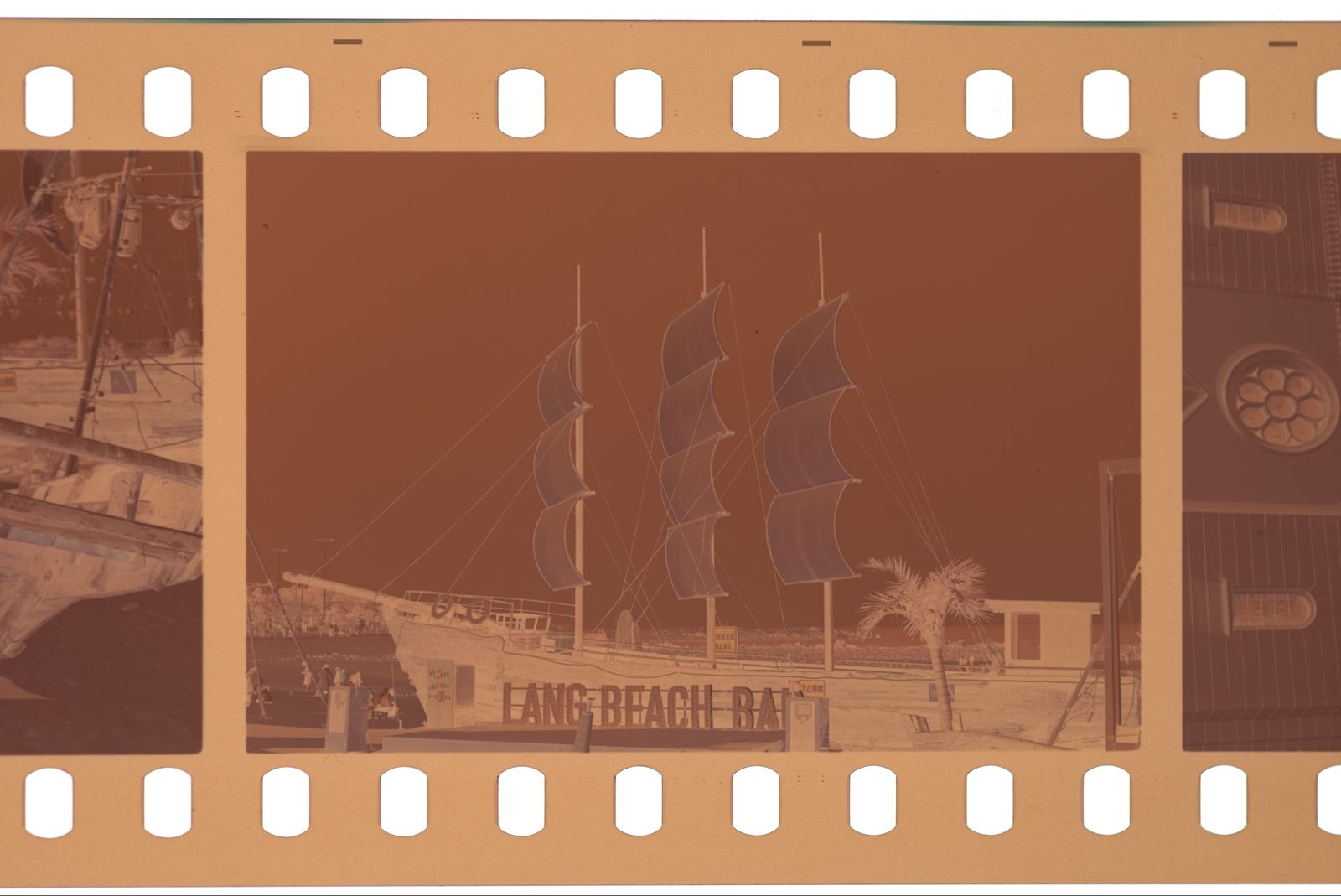
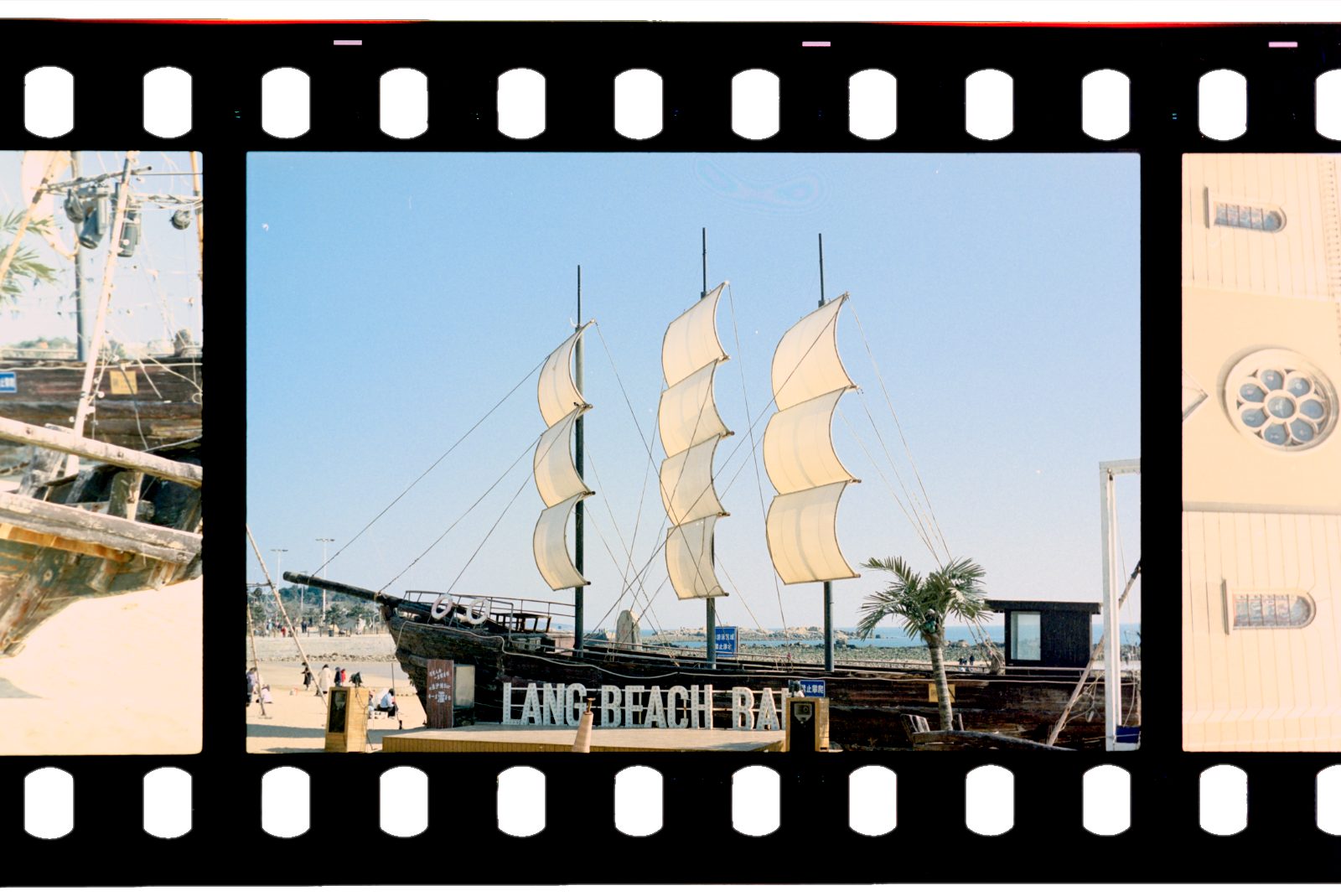 NegativePhotoTall shipD810 · NEF
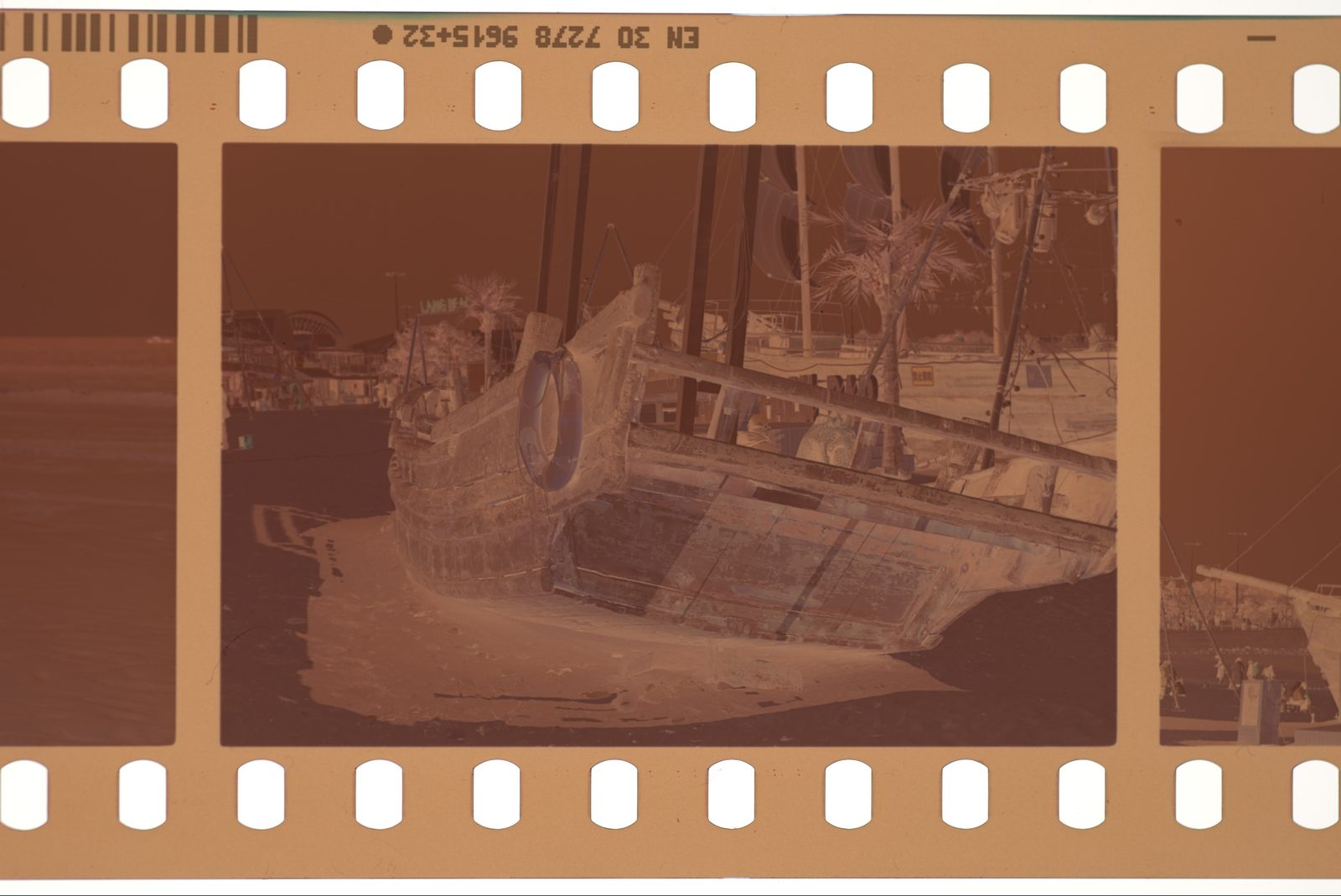
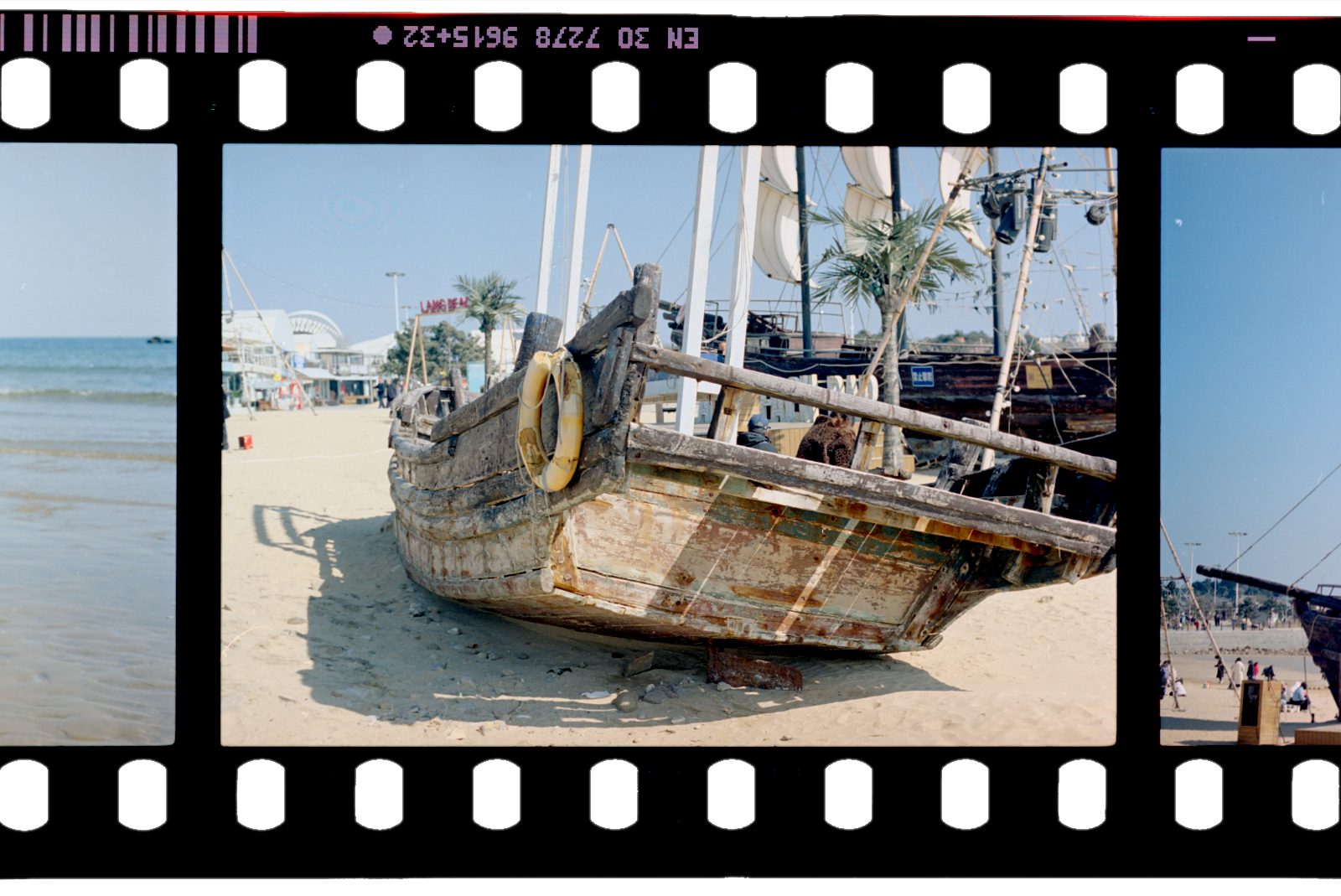 NegativePhotoBeached boatD810 · NEF
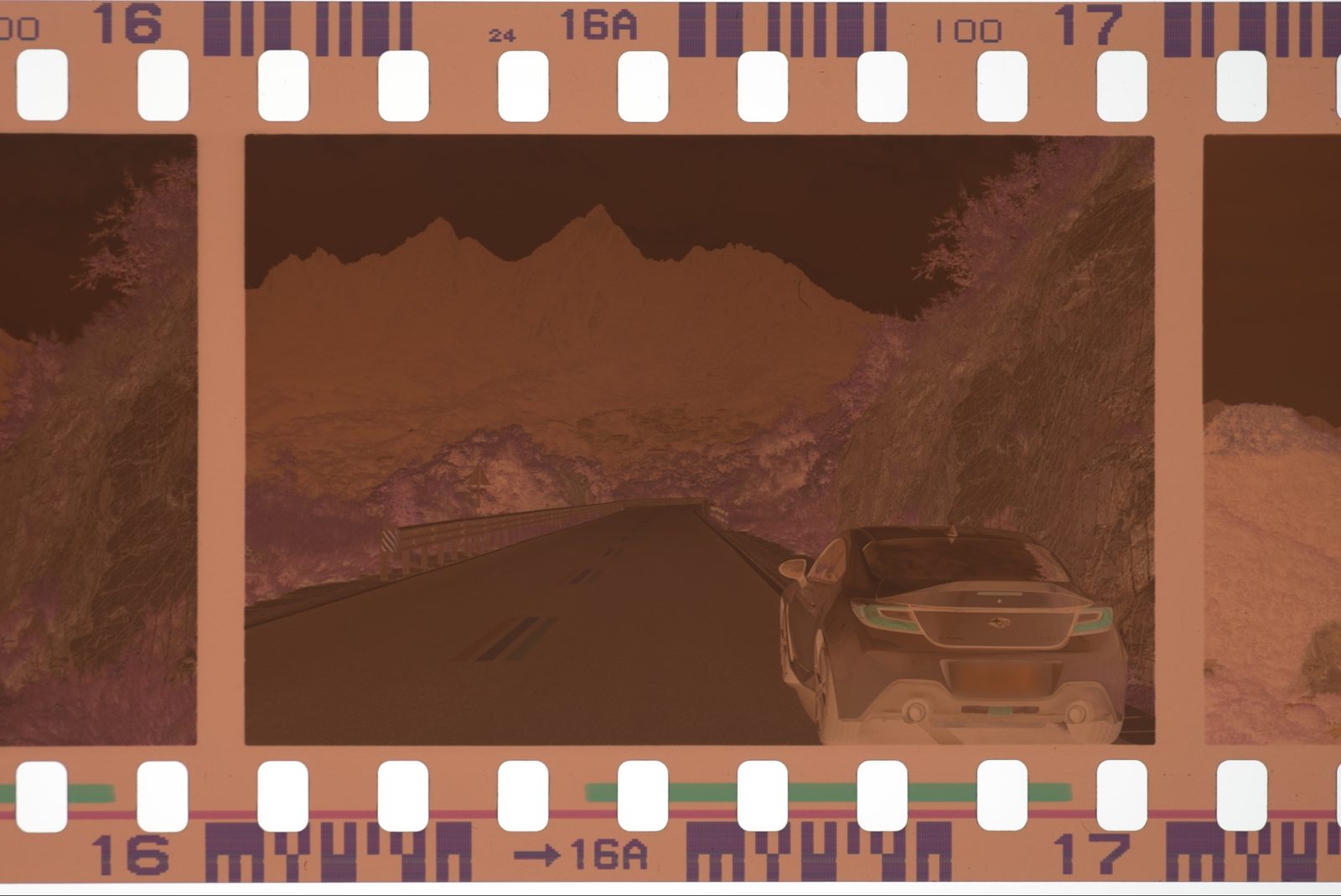
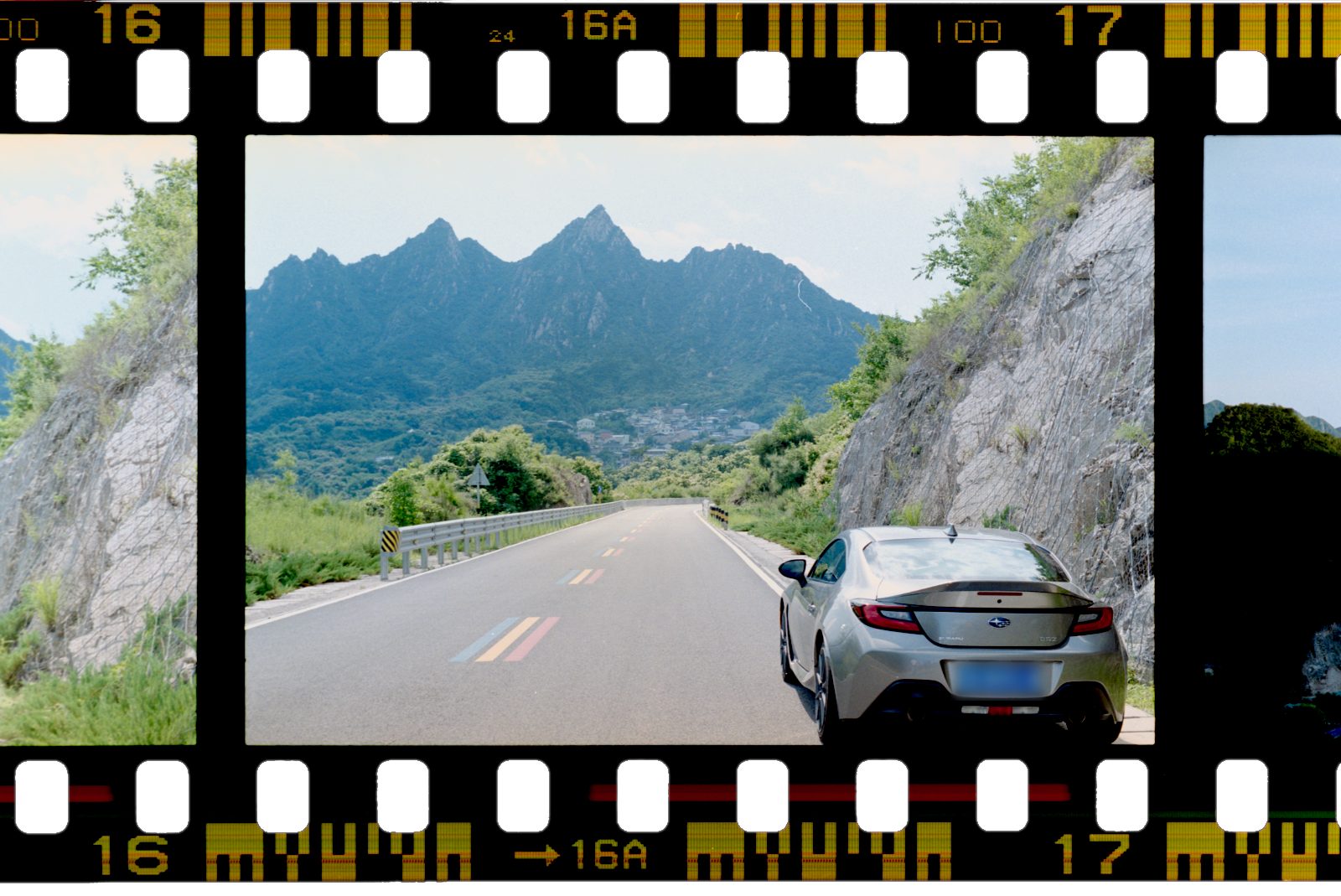 NegativePhotoMountain roadD810 · NEF
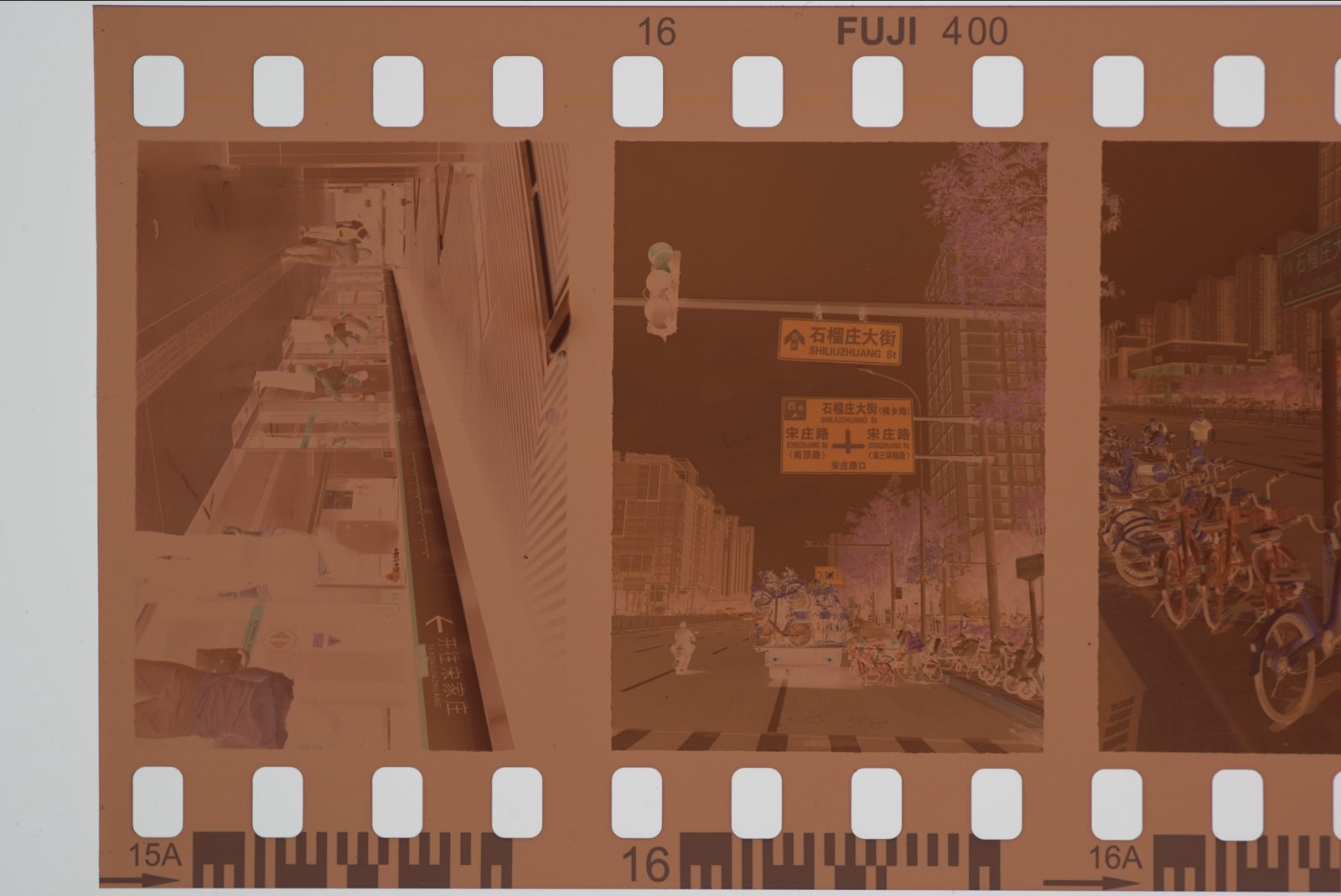
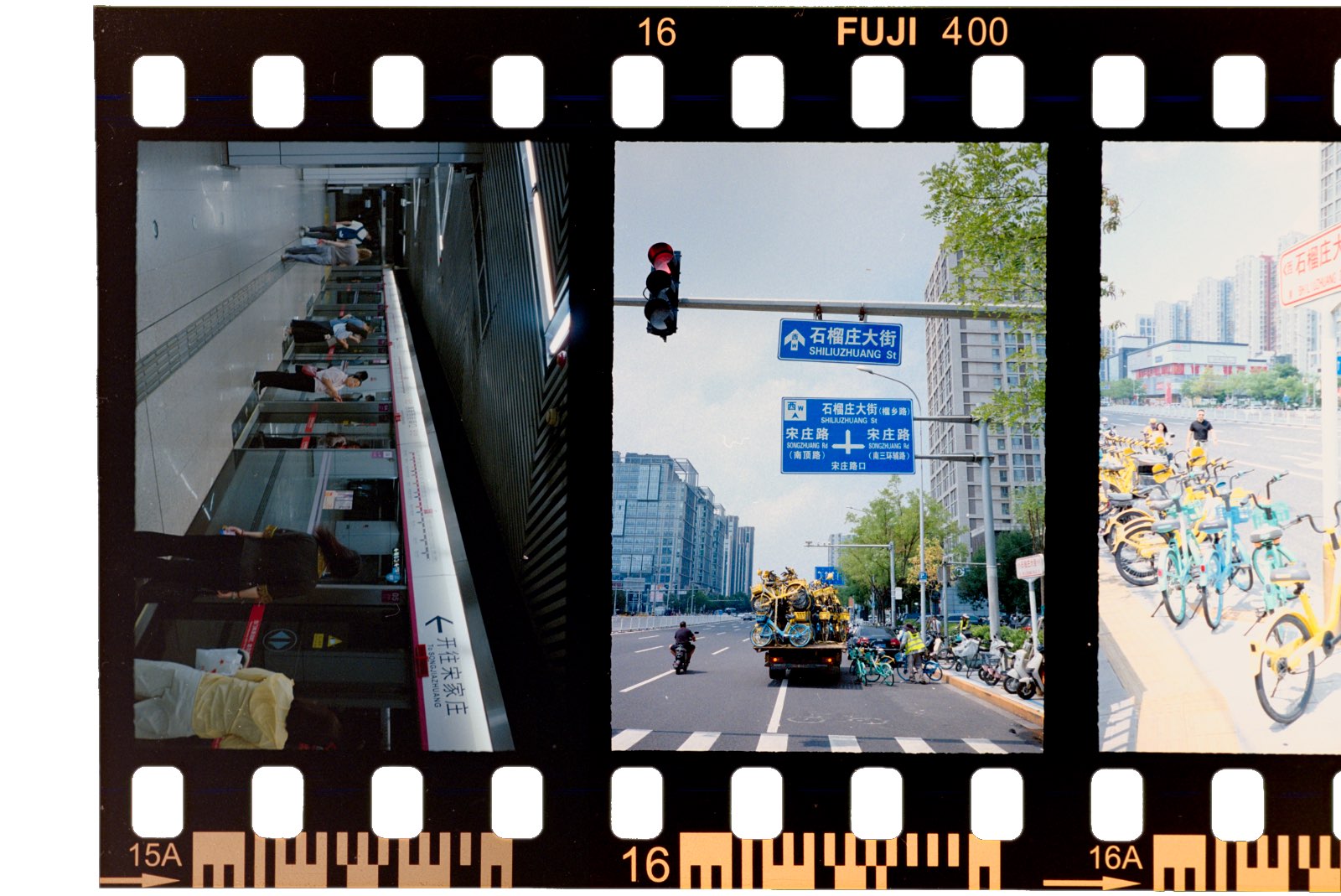 NegativePhotoCrossroadsD810 · NEF · half-frame
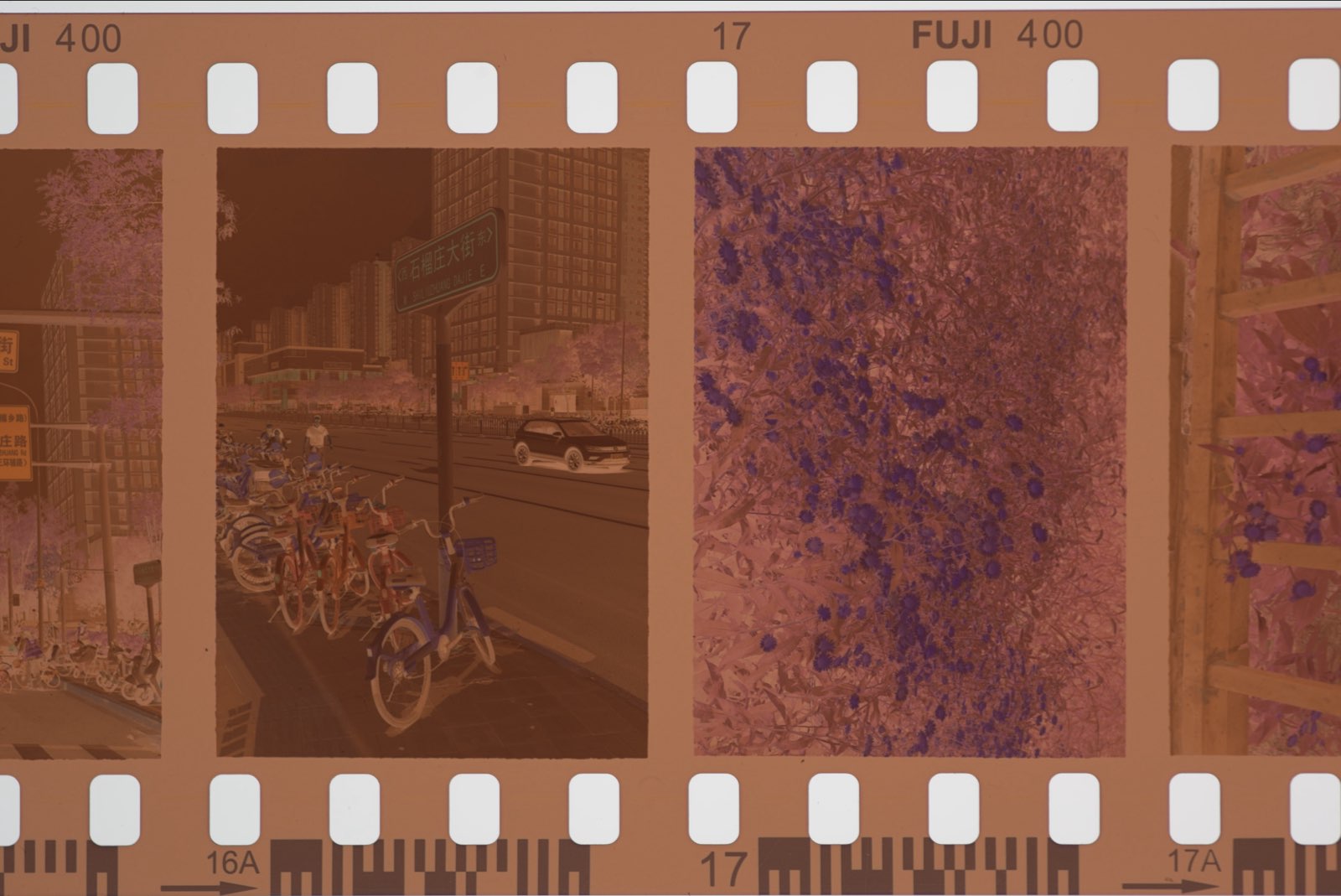
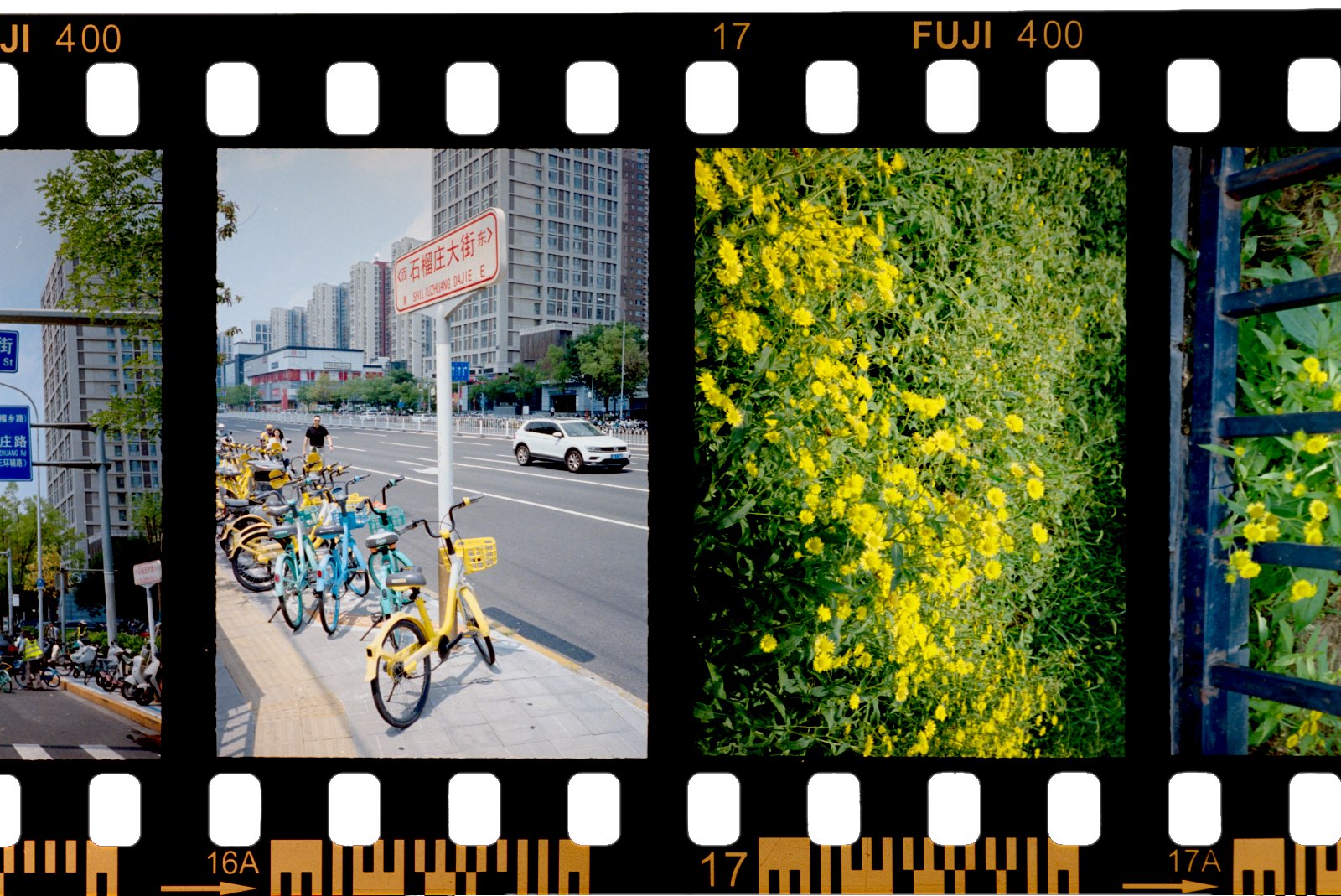 NegativePhotoWildflowers and bikesD810 · NEF · half-frame
Built for dozens of rolls a day
Consistent across the roll
One base and one correction per roll, so color stays steady.
Hands stay on the keyboard
Convert, correct and move between frames by keyboard.
Color you can trust
A color engine tuned for film, with one-key before and after.
Try it first, buy when you’re sure
- Capture, convert, adjust and lay out contact sheets
- Exporting photos and sheets needs a serial number
- No account needed
- Yours to keep, no subscription
- One serial number covers two Macs
- Free up the old Mac yourself when you switch
Want it sooner? Email support@devinert-pro.com.
FAQ
Which cameras are supported?
Fujifilm tethers with Live View; Nikon tethers, with Live View in development. RAW, TIFF and JPEG from any camera can be imported.
How long does a roll take?
About 3 minutes to convert 36 frames of 135, plus a minute or two to check and export. Capture time not included.
What Mac do I need?
A Mac with Apple silicon running macOS 12 or later. The app is available in English, Simplified Chinese and Traditional Chinese.
What does the trial leave out?
Only exporting photos and contact sheets needs a serial. Enter one and it unlocks at once.
What if I get a new Mac?
One serial covers two Macs. Release the old one in the app or under Manage Computers.
Does it need to stay online?
Online to activate, then 30 days offline.
What can it export?
JPEG and TIFF, with size, color space, file names and watermark.
Which files can it import?
Camera RAW (RAF, NEF, CR2/CR3, ARW, 3FR, DNG and more), TIFF, PNG and JPEG. RAW or 16-bit TIFF works best.
Does tethered shooting affect my camera warranty?
Fujifilm’s SDK licence excludes faults caused by SDK camera control from the warranty, for every app that uses it. Prefer not to tether? Import the RAW files instead.